
Serverless WebSockets: Production-Ready Architecture with AWS
Master real-time communication without managing servers. Technical guide on AWS API Gateway, Lambda, and DynamoDB for high-concurrency systems.
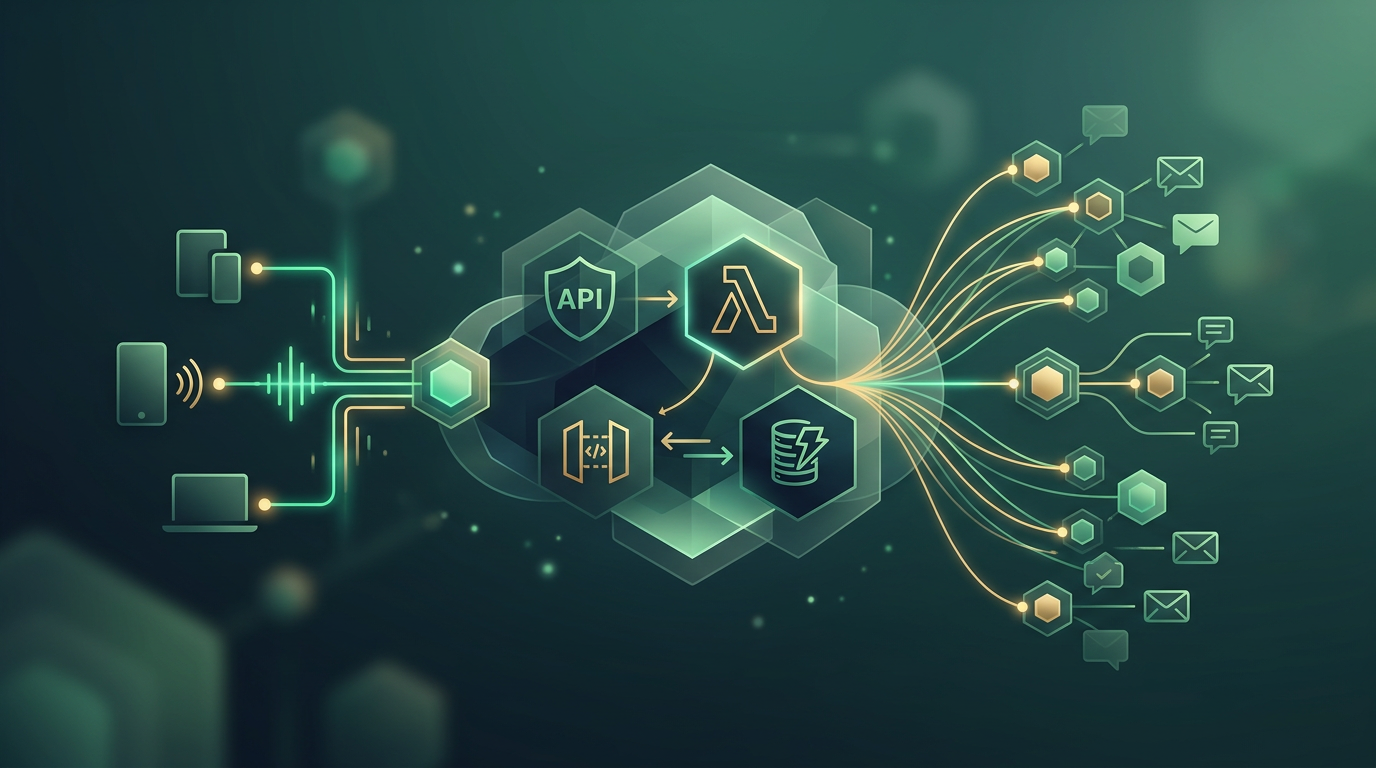
Keeping a TCP connection open for hours just to wait for a simple 'notification' message is a resource waste your budget shouldn't ignore. While in the past we resigned ourselves to managing EC2 fleets with Socket.io instances sweating under the weight of 50,000 concurrent connections, the serverless era has changed the rules. It’s not about whether you can do it, but whether you can do it without your infrastructure becoming a maintenance nightmare.
The Problem of WebSockets in a Stateless World
By definition, AWS Lambda is stateless. It spins up, processes, and dies. WebSockets, conversely, are the very definition of stateful: they require a persistent connection between client and server. How do you reconcile these two worlds? The answer isn't forcing Lambda to stay alive, but delegating connection state management to a higher layer: AWS API Gateway.
The Anatomy of the Connection
In a serverless WebSocket architecture, the flow is divided into three clear responsibilities:
- Connection Management: API Gateway keeps the socket open with the client.
- State Persistence: DynamoDB stores the
connectionIdassociated with the user. - Logic Processing: Lambda functions triggered only when a message arrives or one needs to be sent.
Step 1: Configuring Routes in API Gateway
Unlike a REST API, WebSockets in AWS work through predefined routes. You need to configure at least three:
$connect: Fires when the client starts the handshake.$disconnect: Fires when the client leaves or the connection is lost.$default: The catch-all for any message not matching specific routes.
"The most common mistake is failing to implement a cleanup mechanism for orphaned connections in DynamoDB. If the client disappears without a clean $disconnect, your table will fill with garbage IDs."
Step 2: Persisting ConnectionId in DynamoDB
// Example Lambda logic for $connect
const AWS = require('aws-sdk');
const ddb = new AWS.DynamoDB.DocumentClient();

exports.handler = async (event) => {
  const connectionId = event.requestContext.connectionId;
  const userId = event.queryStringParameters.userId;

  await ddb.put({
    TableName: 'ConnectionsTable',
    Item: { connectionId, userId, ttl: Math.floor(Date.now() / 1000) + 3600 }
  }).promise();

  return { statusCode: 200, body: 'Connected.' };
};
Using a TTL (Time To Live) in DynamoDB is a best practice to avoid unnecessary costs and keep the database lean. If the user doesn't refresh their session, the entry automatically disappears.
Step 3: The Challenge of Outbound Communication
Sending a message from the server to the client is where many developers get confused. Lambda cannot simply 'respond' to the original invocation event to send asynchronous data later. You must use the ApiGatewayManagementApi.
The 'Push' Process
When an event occurs in your system (e.g., a new sale, a chat message), your logic must:
- Query DynamoDB for the recipient's
connectionId. - Instantiate the AWS SDK pointing to your API Gateway callback URL.
- Call
postToConnectionwith the ID and payload.
const apigw = new AWS.ApiGatewayManagementApi({
  endpoint: event.requestContext.domainName + '/' + event.requestContext.stage
});

try {
  await apigw.postToConnection({
    ConnectionId: targetId,
    Data: JSON.stringify({ message: 'Hello from server' })
  }).promise();
} catch (e) {
  if (e.statusCode === 410) {
    // Connection no longer exists, delete from DB
  }
}
Comparison: Serverless vs. Traditional Servers
| Feature | Serverless (AWS) | Traditional (EC2/Node.js) |
|---|---|---|
| Scalability | Automatic (thousands of connections/sec) | Manual / Complex Auto-scaling groups |
| Idle Cost | $0 (pay-per-use) | Fixed monthly cost per instance |
| State Management | External (DynamoDB/Redis) | In-memory (volatile) |
| Maintenance | Low (Managed Service) | High (OS patches, security) |
Latency and Limits Considerations
It's not all sunshine and rainbows. Serverless architecture introduces 'cold start' latency if your Lambda functions aren't invoked frequently. Additionally, API Gateway has a default limit of 10,000 concurrent connections (increaseable via support). If you're building the next WhatsApp, you might need an additional optimization layer with ElastiCache to reduce connection ID read times.
How we approach it at Julsmind SAS
At Julsmind SAS, we design systems that don't just work but are economically viable in the long run. We've implemented serverless WebSocket architectures for fintechs in Colombia and startups in the US, achieving infrastructure cost reductions of up to 60% by eliminating idle servers. Our focus is on robustness: from handling exponential backoff reconnections on the client to orchestrating complex backend events using EventBridge.
Are you struggling with scalability issues in your real-time notifications or looking to migrate from legacy architecture? Let's talk about optimizing your tech stack at our contact page and take your product to the next level.